Project Overview
What You're Doing
You're migrating a Backlog Change Analysis Dashboard from Tableau to SAP Business Objects. Think of it like moving a house - you need to recreate the same rooms and furniture in a new location.
Why It Matters
The GPBI (Global Planning Business Intelligence) team uses this dashboard to track changes in project backlogs. Your job is to make sure they can see the same information in their new system.
Think of It Like This
Tableau Dashboard
Your current house
SAP BO Dashboard
Your new house
Timeline
- Week 1: Understanding & Setup
- Week 2-3: Migration Execution
- Week 4: Testing & Delivery
Key People
- You: The Contractor
- GPBI Team: The Users
- Project Manager: Your Boss
Technology Stack (What You'll Work With)
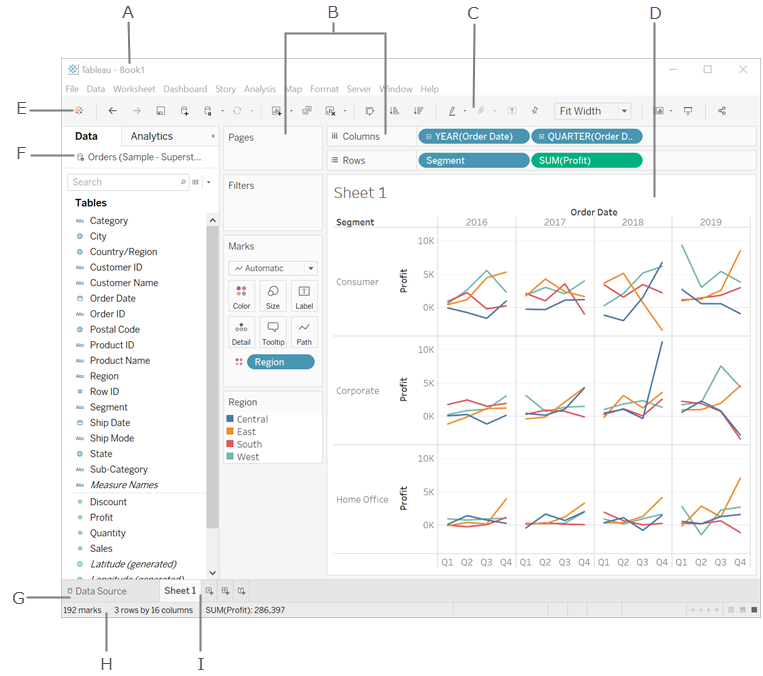
Tableau
Source Platform
Current dashboard location
Easy drag-and-drop interface
Great for data visualization
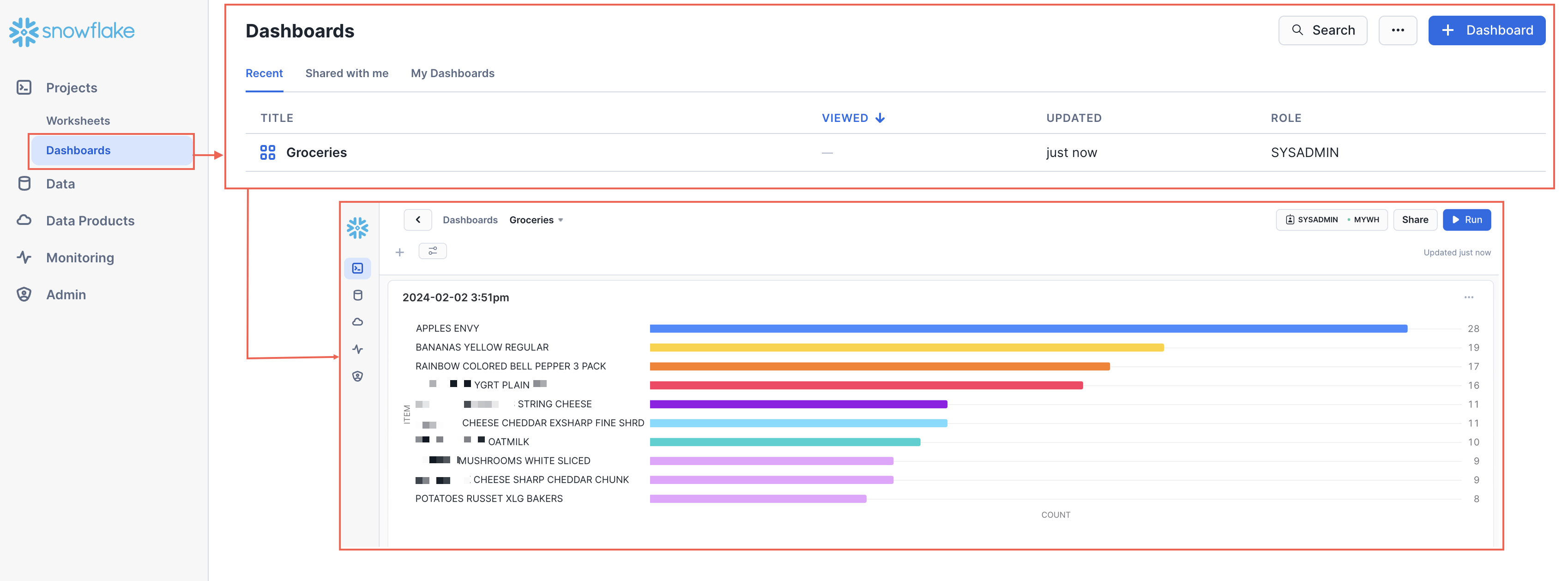
Snowflake
Data Warehouse
Stores all your data
Cloud-based database
Both tools connect to this
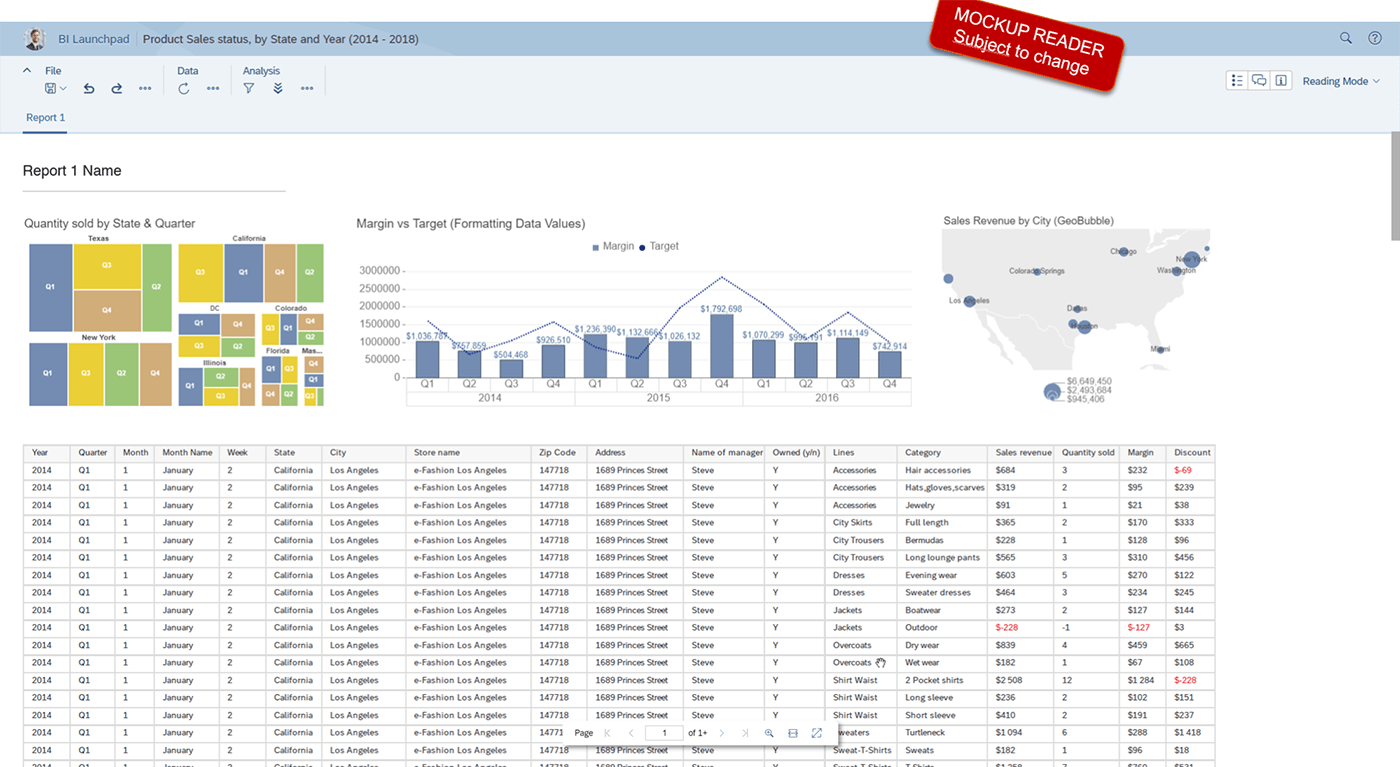
SAP Business Objects
Target Platform
Where you'll rebuild the dashboard
Enterprise-grade reporting
More structured approach
Important to Remember
All three systems talk to each other. Snowflake is like a library where the data is stored, and Tableau and SAP BO are like different ways to read and display that data.